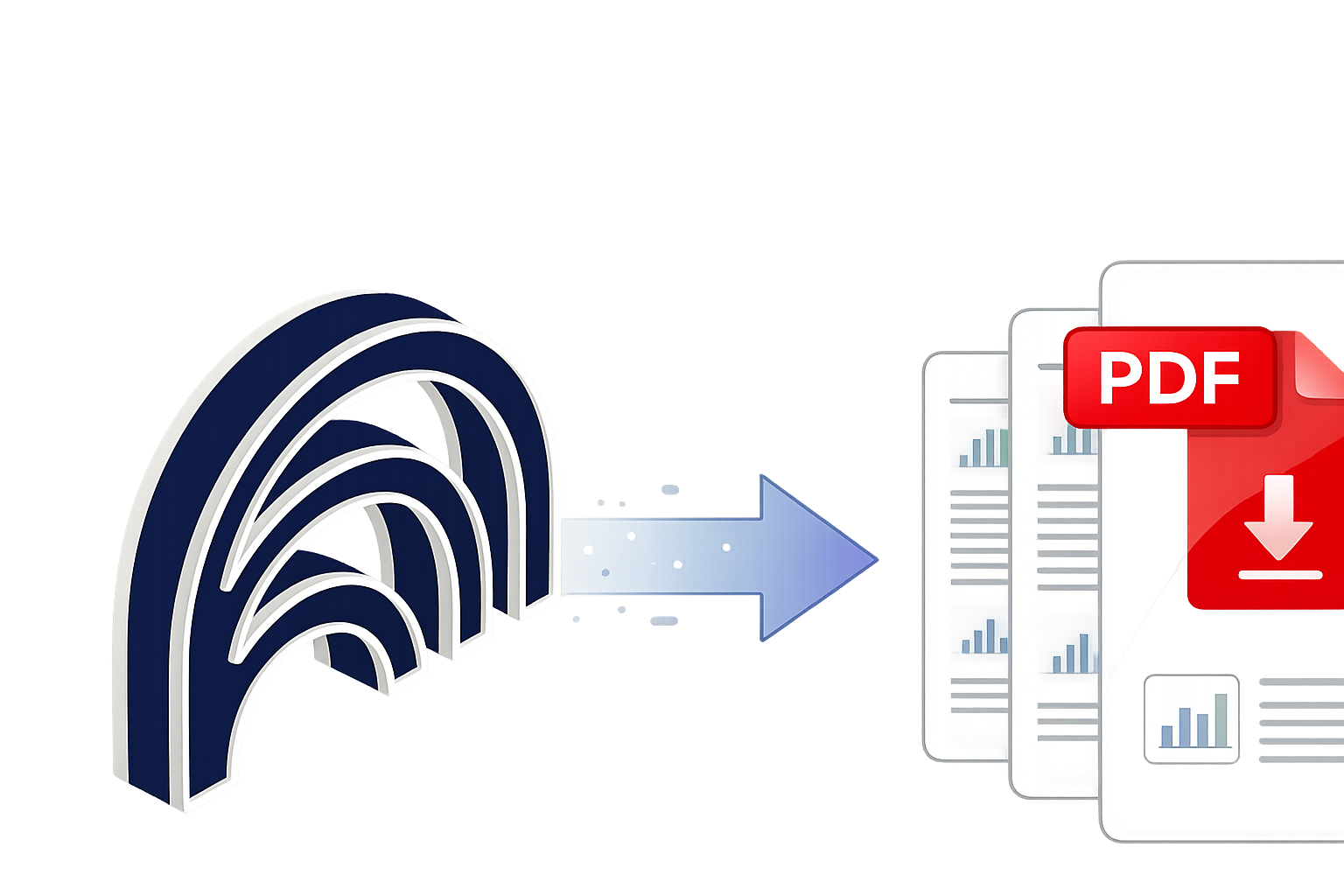
NotebookLM doesn't let you save chats as PDF. This extension does. Install once, export any conversation or note instantly — formatted, private, no account needed.
NotebookLM's native export goes to Google Docs only. No PDF. No plain text. No way to save your chat history. This extension fills that gap — works directly in your browser, nothing uploaded to any server.
How it works
Four steps to your first PDF
From install to exported PDF in under two minutes.
1
Install the extension
Add it from the Chrome Web Store, Firefox Add-ons, or Edge Add-ons. No account needed.
2
Open NotebookLM
Go to notebooklm.google.com and open any notebook with chats or notes you want to save.
3
Click Export to PDF
The button appears in your toolbar. One click starts the export — no options to configure.
4
Save your PDF
A perfectly formatted PDF downloads to your device instantly, ready to archive, share, or re-import.
Ready to export your first notebook?
Free, takes 30 seconds to install, works immediately.
Toolbar button. Click once, PDF downloads instantly.
🎨
Clean Formatting
Color-coded Q&A, tables, code blocks preserved.
📝
Chats & Notes
Both chat history and notes fully supported.
🔒
100% Private
Local only. Nothing leaves your browser.
🌐
All Major Browsers
Chrome, Firefox & Edge supported.
💸
Free Forever
No subscription, no limits, no catch.
Who uses it
For anyone who researches seriously
Whether you're studying, writing a thesis, or building a knowledge base at work — keeping your NotebookLM work is now easy.
🎓
Students & Researchers
Archive literature review sessions, save methodology discussions, and build a permanent record of your NotebookLM research as clean, shareable PDFs.
✍️
Writers & Journalists
Save brainstorming sessions, source breakdowns, and interview prep in PDF format. Re-import saved PDFs into new notebooks to build on past work.
💼
Professionals & Teams
Document project analysis sessions, create compliance records, and share research outputs with colleagues who aren't using NotebookLM.
🧠
Knowledge Workers
Build a permanent archive of AI-assisted research. Export once, re-import as a source in future notebooks to chain research sessions together.
Privacy
Your research stays yours.
NotebookLM holds your most private research. This extension was built with that in mind.
Local Processing Only
The PDF is generated entirely inside your browser using local rendering. No content is sent to any server, ever.
No Data Collection
The extension collects zero usage data, analytics, or personal information. It runs silently and does only what you ask it to do.
No Account Required
Install and use immediately. No email, no sign-up, no tracking. It works like a local tool — because it is one.
FAQ
Common questions
Install the extension from your browser's add-on store, open any NotebookLM notebook, and click the "Export to PDF" button in your browser toolbar. Your PDF downloads instantly.
NotebookLM's native export only sends content to Google Docs or Sheets — there is no PDF option. There's also no way to export your full chat history at all. This extension fills exactly that gap.
Your data is completely safe. Everything is processed locally in your browser — no content, notes, or chat history ever leaves your device. There are no servers involved.
Yes. Both chat conversations and notes are supported. The exported PDF preserves formatting, including tables, code blocks, math equations, and the visual distinction between questions and answers.
Yes. The extension is available for Google Chrome, Microsoft Edge, and Firefox. Install it from whichever browser's add-on store you prefer.
Yes, completely free. No subscription, no premium version, no usage limits. It will stay free.
Yes — this is one of the most useful workflows. Export a session as PDF, then upload it as a source in a new notebook. This lets you chain research sessions and build on past conversations.
Get started now
Stop losing your NotebookLM work.
Install in 30 seconds. Export your first PDF in under a minute. Free, forever.
 Add to Chrome — Free
 Firefox
 Edge
Edge